

B2B SaaS · Product Design · Design System
Miotryx — one operating system for field-service businesses
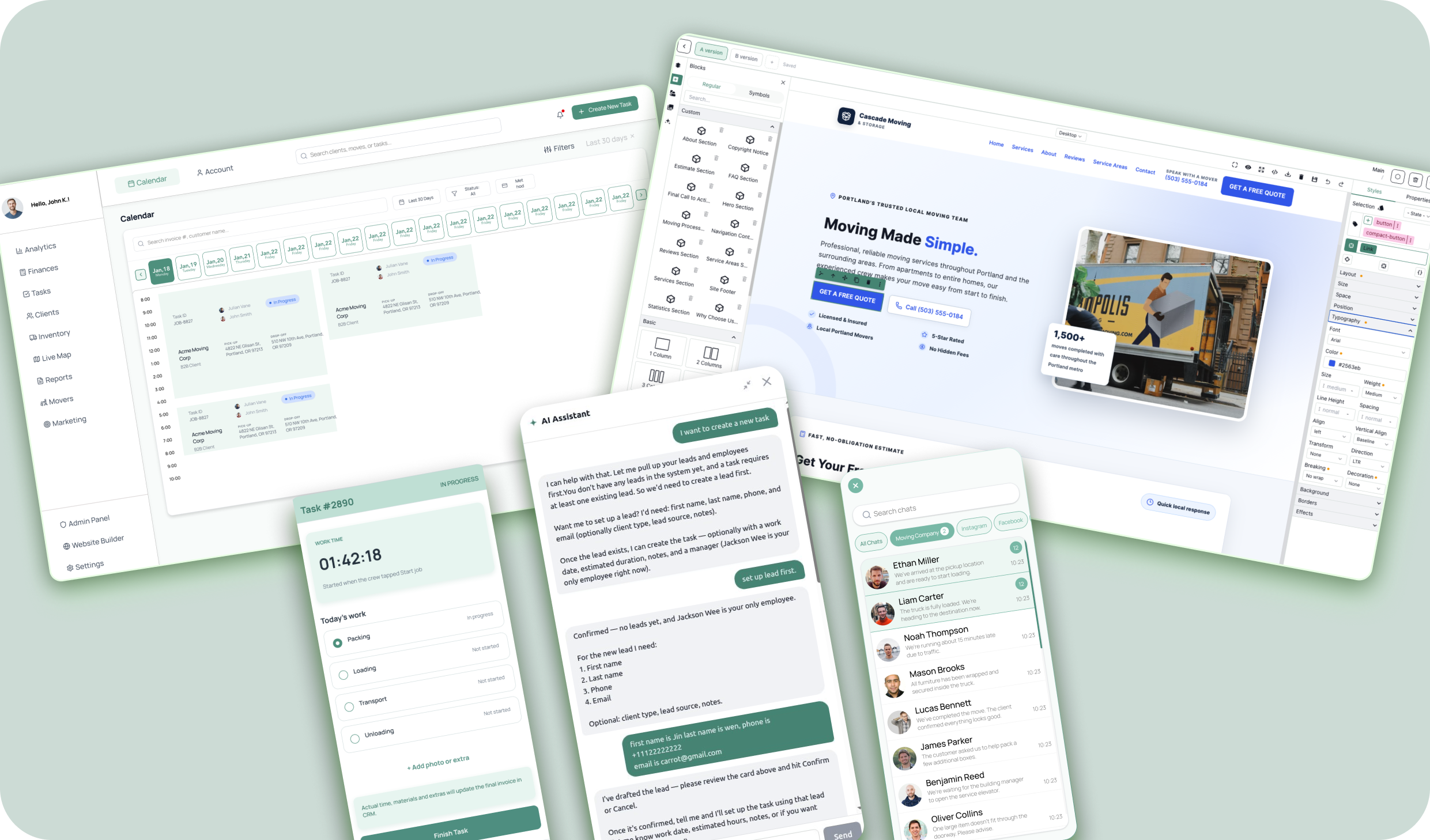
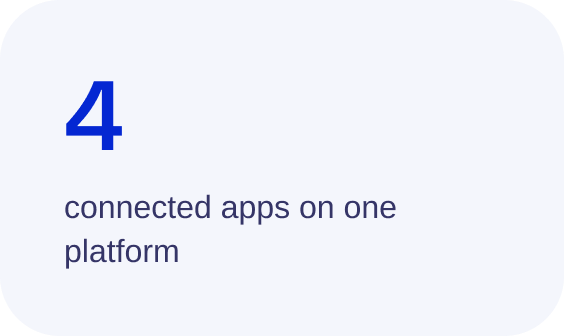
I designed a multi-app B2B platform for moving and cleaning companies — a CRM, an AI website builder, a unified messenger and mobile apps for crews and clients — and turned the Figma designs into a working product with an LLM-driven workflow.
Role: Co-founder, Lead Product & UX Designer
Timeline: 2026 – Present
Platforms: Web app · iOS & Android · Marketing site
Tools: Figma · Claude · ChatGPT · Figma MCP
Overview
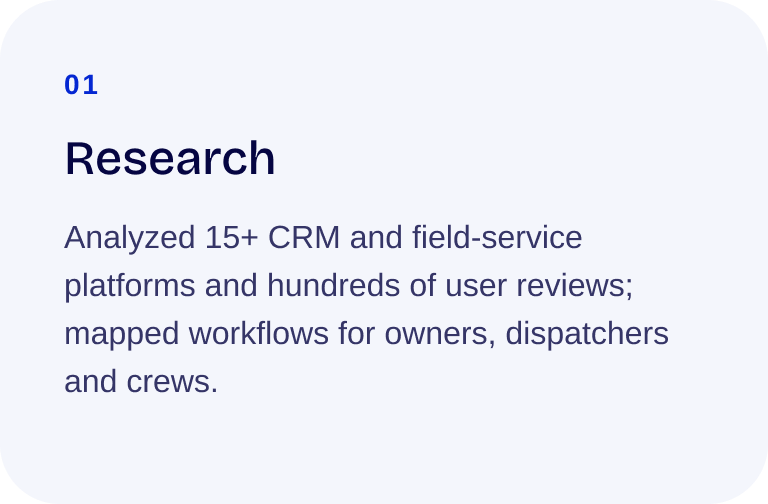
Moving and cleaning companies run on a patchwork of tools: one app for leads, another for scheduling, spreadsheets for trucks and supplies, and a separate inbox for every channel. Leads fall through the cracks between those tools, and crews lose hours on phone calls.
Miotryx replaces the patchwork with one connected system, built around how a job actually moves — from the first message to the final payment.
The challenge
Four very different users — owners, office and dispatch, field crews and end customers — each need their own view of the same job.
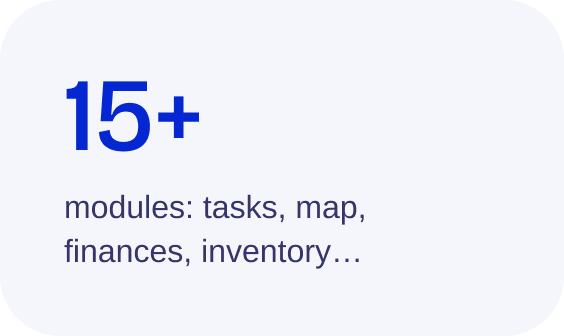
15+ modules had to feel like one product, not fifteen.
Existing field-service tools are powerful but cluttered; in reviews, users keep saying they get lost in them. Clarity had to be the main feature.
A tiny team: design had to ship as working software, not stay in mockups.
My role
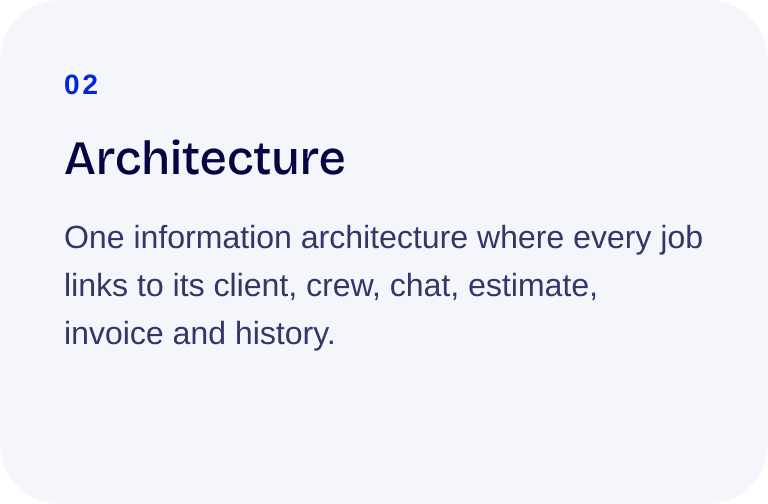
I own the product end to end: research, information architecture, UX/UI, the design system, the marketing website and go-to-market — and I build working front-end with LLMs.
01 · CRM
The whole business on one screen
The dashboard answers the owner’s first question of the day — what’s happening right now? Crews on shift, revenue, open tasks and active campaigns sit side by side, and each card opens its full module.
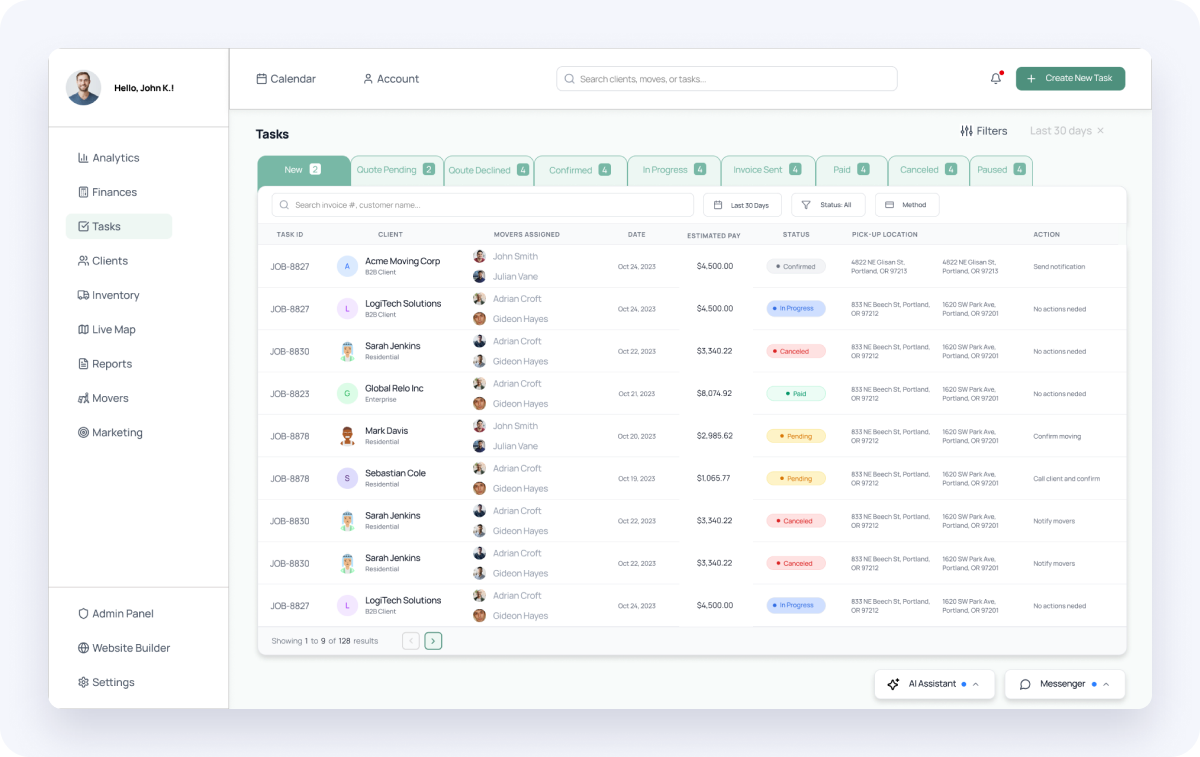
Tasks pipeline. Every job moves through clear stages — New, Quote Pending, Confirmed, In Progress, Invoice Sent, Paid. Website inquiries land in “New” automatically, so nobody has to copy them in by hand.
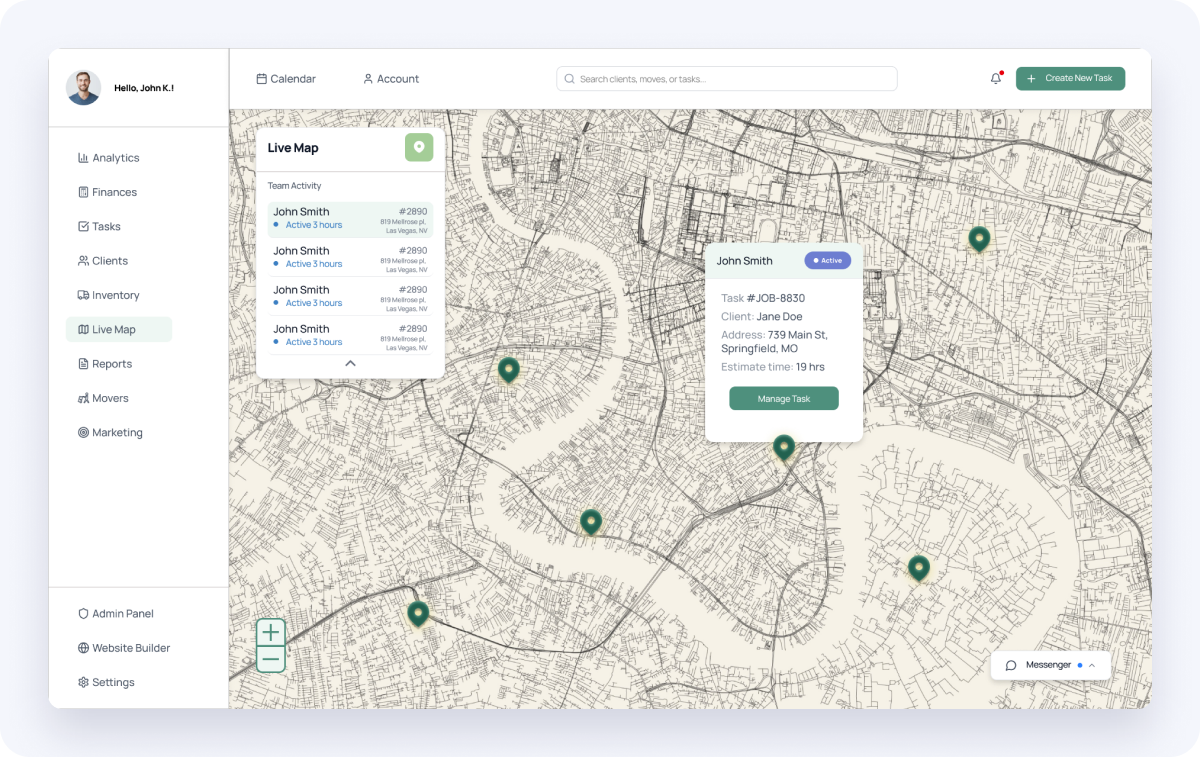
Live Map. Dispatchers see every crew in real time and open or reassign a job right from the map.
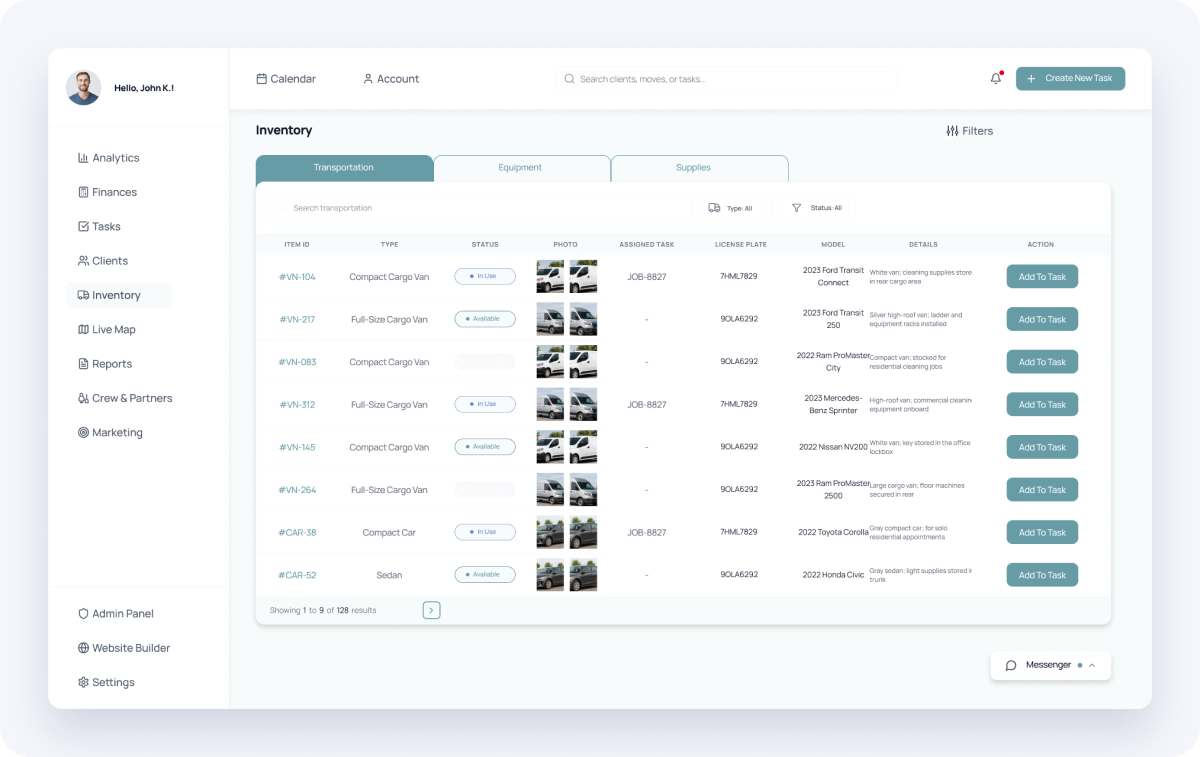
Inventory. Trucks, equipment and supplies — with documents on file and reminders before a license, smog check or insurance expires.
02 · Website builder
A website builder with AI Visual Guidelines
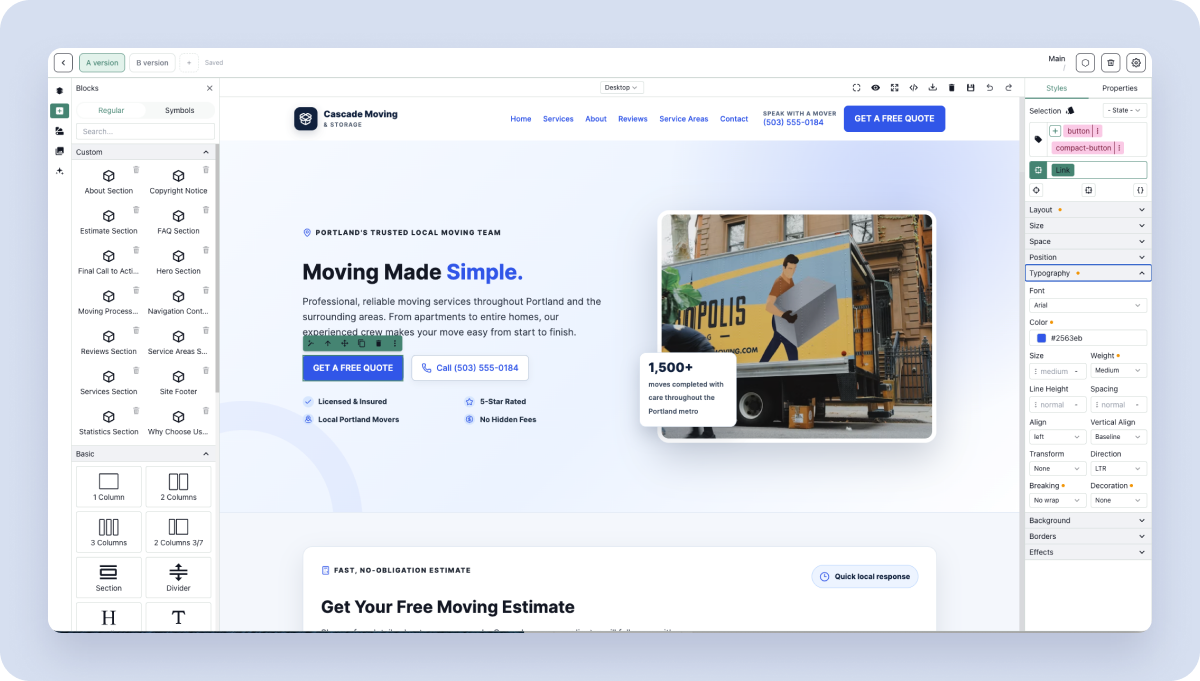
Small service businesses rarely have a designer, so their websites drift: five button styles, random fonts, off-brand colors. I designed a builder that fixes the problem at the source.
How Visual Guidelines work
Describe the business. The owner tells the AI assistant about the company, audience and style — or uploads a logo and photos.
AI drafts guidelines. The assistant generates a full visual guide: color palette, type scale, buttons, spacing.
Saved as objects. Not a PDF — every rule becomes a live object (button, heading, text style) in the builder library.
Applied everywhere. New sections and pages use those objects automatically, so the site stays on-brand as it grows.
What makes it different
Brand rules become reusable, enforceable components — something mainstream builders don’t do out of the box.
Every page has built-in A and B versions for testing.
Niche-specific blocks (hero, services, estimate form, reviews, service areas) with SEO-ready structure.
Every visitor and form submission flows straight into the CRM pipeline.
03 · Messenger
Every channel in one inbox
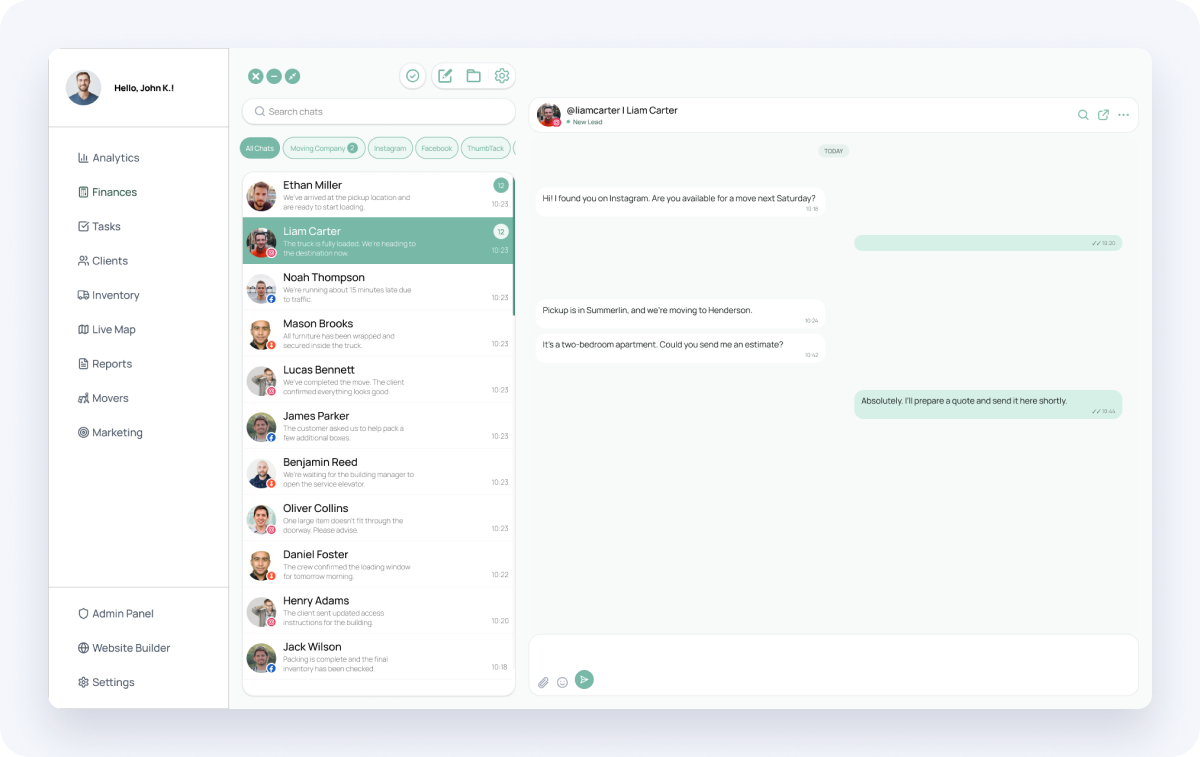
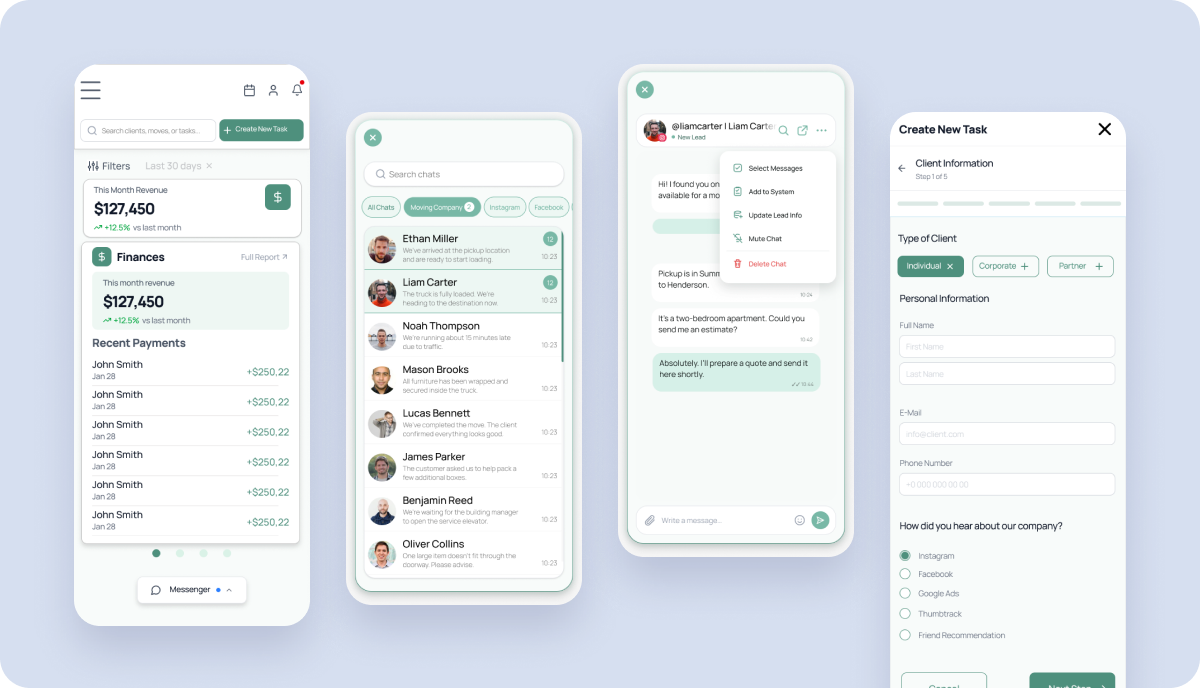
Leads write from Instagram, Facebook, SMS and the website, and used to get lost between apps. The messenger pulls every channel into one inbox, tied to the right client and job.
Channel filters and custom folders keep busy inboxes under control.
“Add to system” and “Update lead info” turn a chat into a lead in one tap — right inside the conversation.
Bulk-select chats and messages to archive, assign or move them.
The same experience on desktop and mobile.
04 · Mobile
Built for crews in the field
Crews work from trucks and staircases, not desks. The mobile apps put today’s jobs, addresses, dispatch chat and earnings behind big, one-tap targets.
05 · Marketing suite
A/B testing with an AI analyst
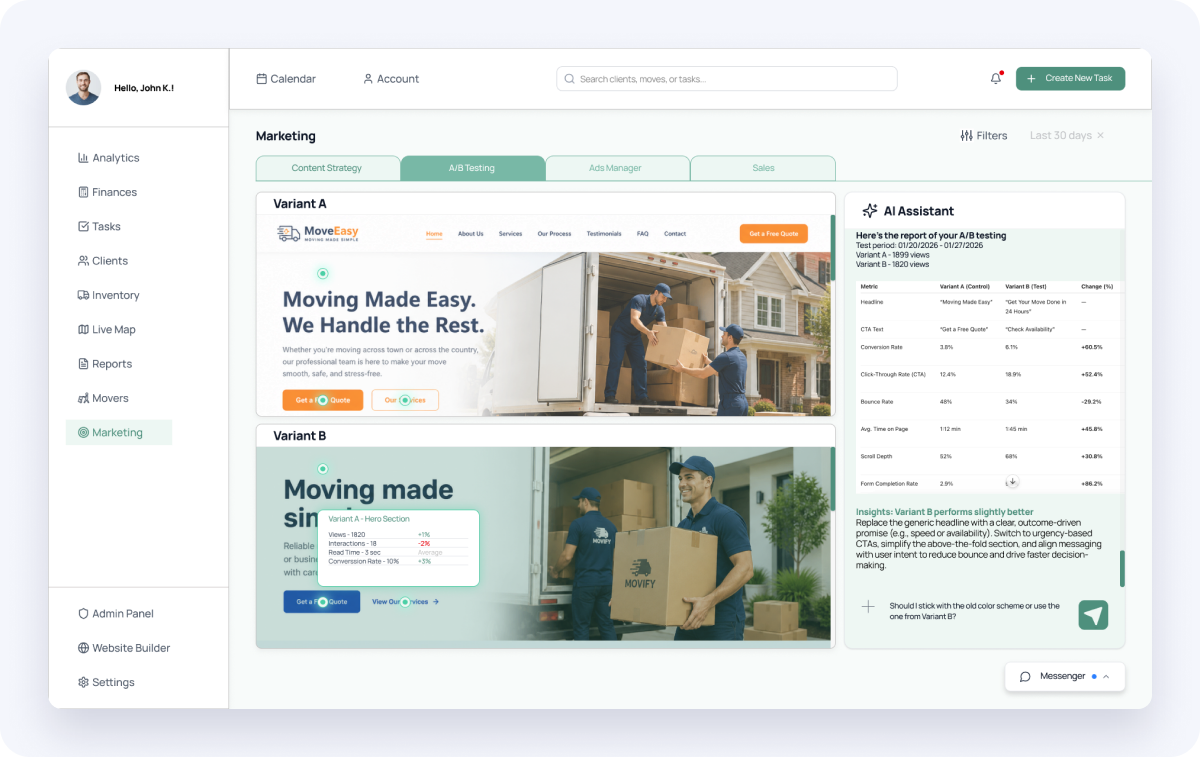
Owners don’t have time to read analytics. The AI assistant compares page versions, explains which one wins and why, and suggests what to change next — next to unified ad management, content planning and persona-based sales scripts.
06 · Design system
One system from Figma to code
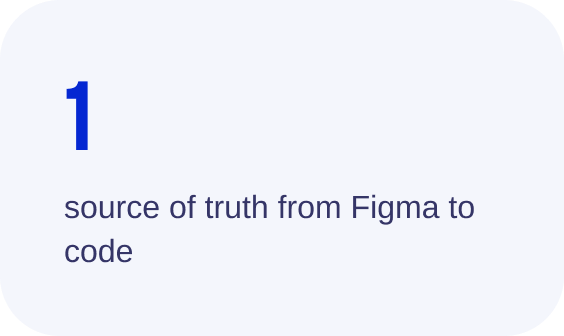
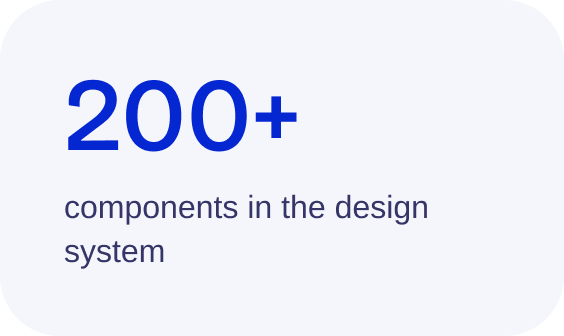
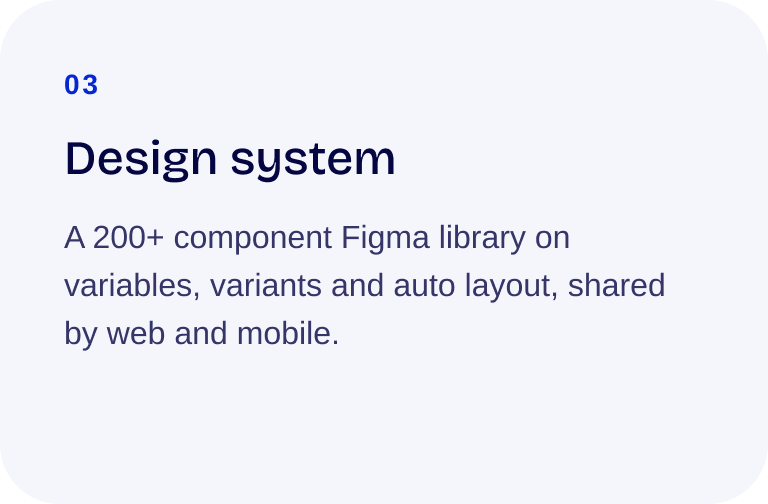
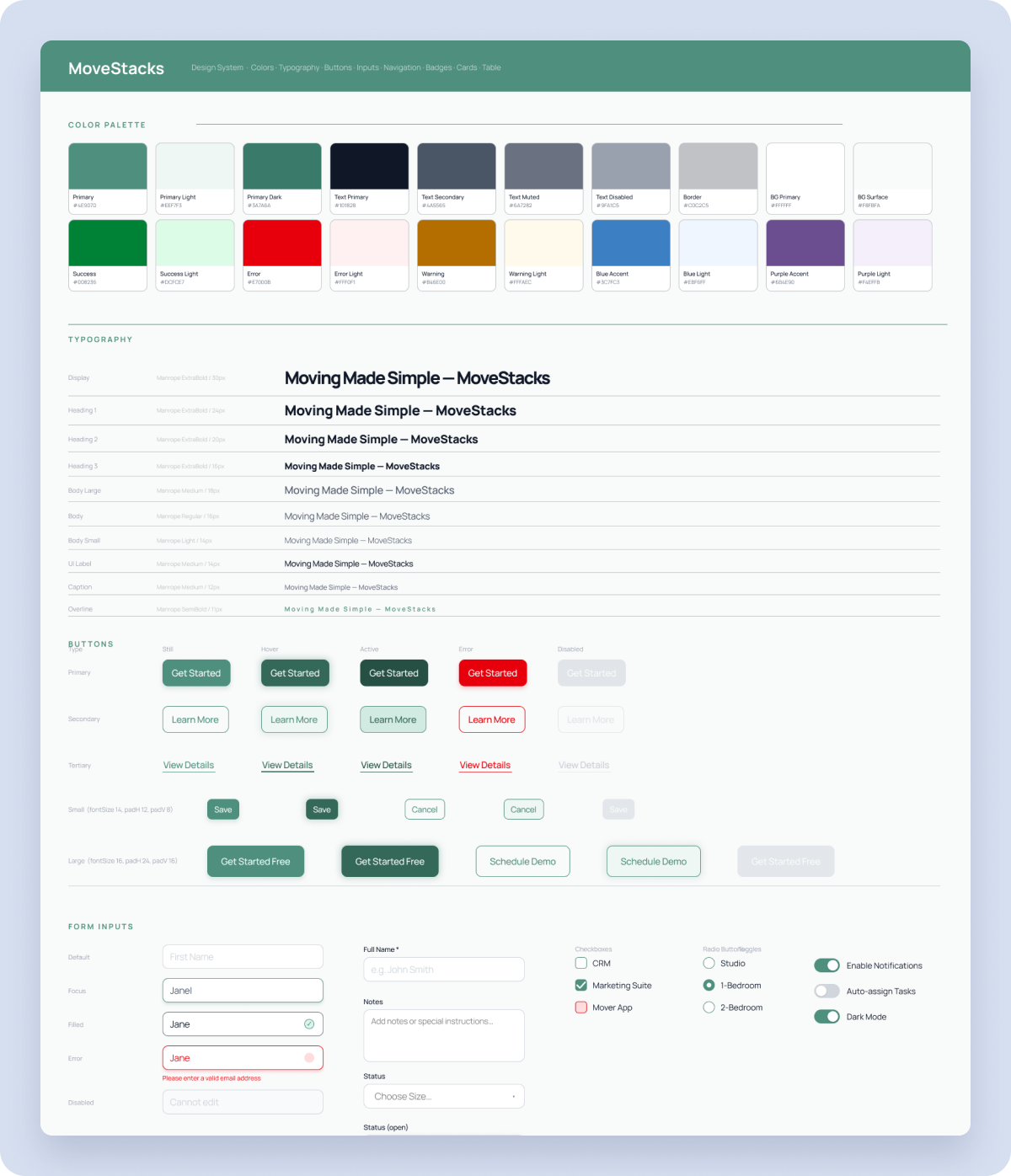
200+ components built on Figma variables, variants, component properties and auto layout. One source of truth for the web app, the mobile apps and the marketing site — with tokens that map 1:1 into code.
07 · Figma → product
Designing with LLMs, shipping real software
With no front-end team, I used AI as a build partner. I paired Claude and ChatGPT with Figma MCP to turn components and screens into production front-end, and used LLMs across the whole design process.
Tokens to code
Figma variables for color, type and spacing became code variables 1:1, so design and product never drift apart.
Components to code
Each Figma component was translated into a reusable front-end component with the same props and states.
Real content, real states
LLMs generated realistic data, UX copy and empty, loading and error states — so edge cases were designed, not discovered.
08 · Go-to-market
A B2B site that explains a complex product simply
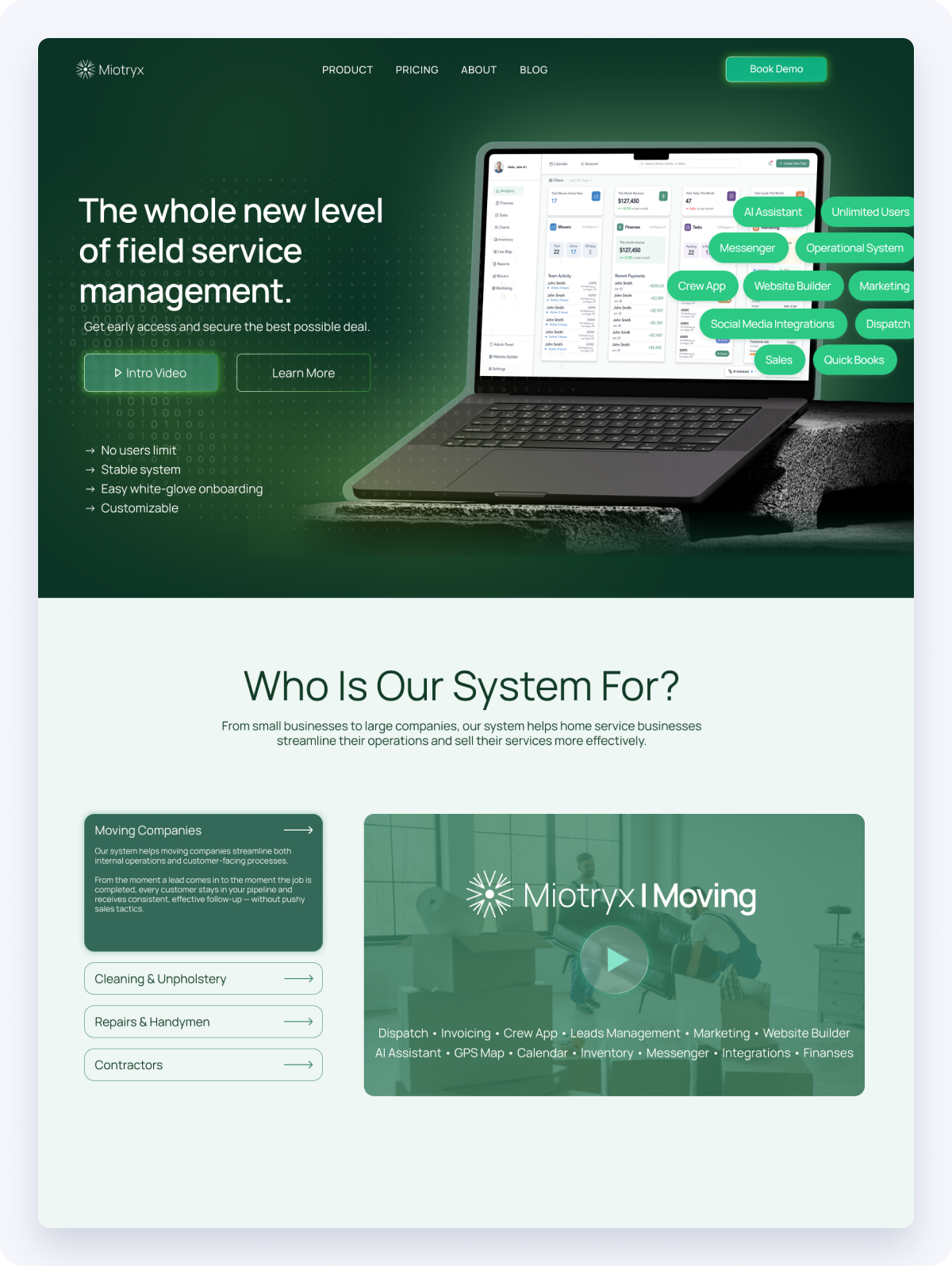
Miotryx.com: segmentation by business type, feature merchandising, tiered subscription pricing, an early-bird offer and an Advisory Board lead form.
Outcome
Miotryx went from idea to a working product: a CRM, website builder, messenger and mobile apps running on one design system. We are now inviting moving-company owners to an Advisory Board to shape the roadmap with us.